
-
Turn off hearing aid(s) by either:
-
Opening the battery door(s)
-
Placing on the charger
-
-
Opening the battery door(s)
-
Placing on the charger
-
Click on Settings
-
Ensure Bluetooth is turned “ON”
-
If “OFF”, click on Bluetooth and slide to on position
-
-
If “OFF”, click on Bluetooth and slide to on position
-
Click on Accessibility
-
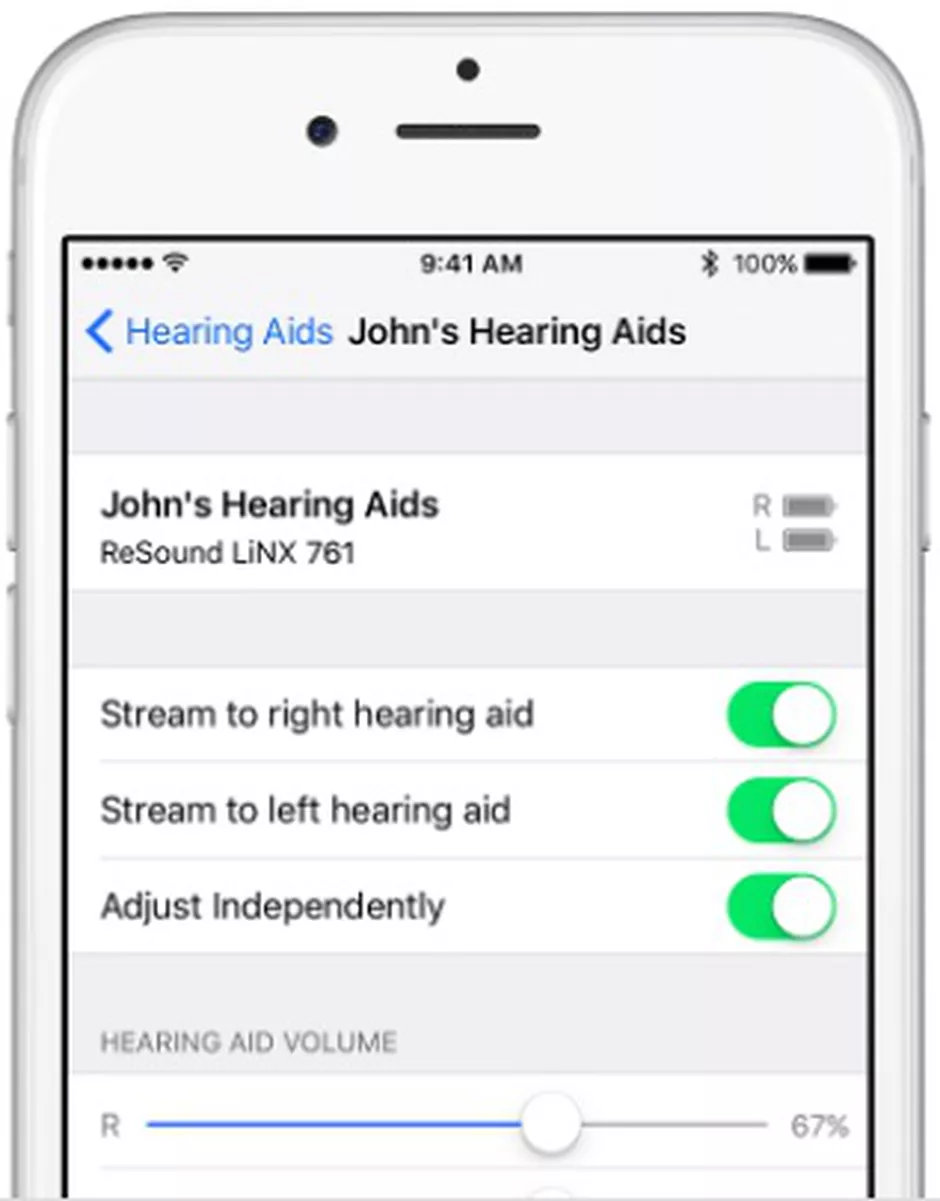
Click on Hearing Devices
-
Turn on hearing aids by closing battery door(s) or removing from charger
-
Wait until devices show up under “MFI Hearing Devices” (both if connecting two aids)
-
If you have previously connected devices to this phone, you will need to click on the devices and select “Forget this device” to refresh pairing
-
-
Turn on hearing aids by closing battery door(s) or removing from charger
-
Wait until devices show up under “MFI Hearing Devices” (both if connecting two aids)
-
If you have previously connected devices to this phone, you will need to click on the devices and select “Forget this device” to refresh pairing
-
Click on the devices
-
Click Pair (need to select “Pair” for each device)
-
Click Back
-
***You should now be connected***
Turn off hearing aid(s) by either:
-
Opening the battery door(s)
-
Placing on the charger
Opening the battery door(s)
Placing on the charger
Click on Settings
Ensure Bluetooth is turned “ON”
-
If “OFF”, click on Bluetooth and slide to on position
If “OFF”, click on Bluetooth and slide to on position
Click on Accessibility
Click on Hearing Devices
-
Turn on hearing aids by closing battery door(s) or removing from charger
-
Wait until devices show up under “MFI Hearing Devices” (both if connecting two aids)
-
If you have previously connected devices to this phone, you will need to click on the devices and select “Forget this device” to refresh pairing
Turn on hearing aids by closing battery door(s) or removing from charger
Wait until devices show up under “MFI Hearing Devices” (both if connecting two aids)
If you have previously connected devices to this phone, you will need to click on the devices and select “Forget this device” to refresh pairing
Click on the devices
Click Pair (need to select “Pair” for each device)
Click Back
***You should now be connected***
Optional settings:
-
On the Hearing Devices menu
-
Play Ringtones
-
Able to turn on or off
-
-
Able to turn on or off
-
Audio Routing
-
Turn on or off call or media streaming to the hearing devices
-
Call = phone calls
-
Media = music, podcasts, audiobooks, etc.
-
-
Turn on or off call or media streaming to the hearing devices
-
Call = phone calls
-
Media = music, podcasts, audiobooks, etc.
On the Hearing Devices menu
Play Ringtones
-
Able to turn on or off
Able to turn on or off
Audio Routing
-
Turn on or off call or media streaming to the hearing devices
-
Call = phone calls
-
Media = music, podcasts, audiobooks, etc.
Turn on or off call or media streaming to the hearing devices
Call = phone calls
Media = music, podcasts, audiobooks, etc.